Space
A threshold with a pause
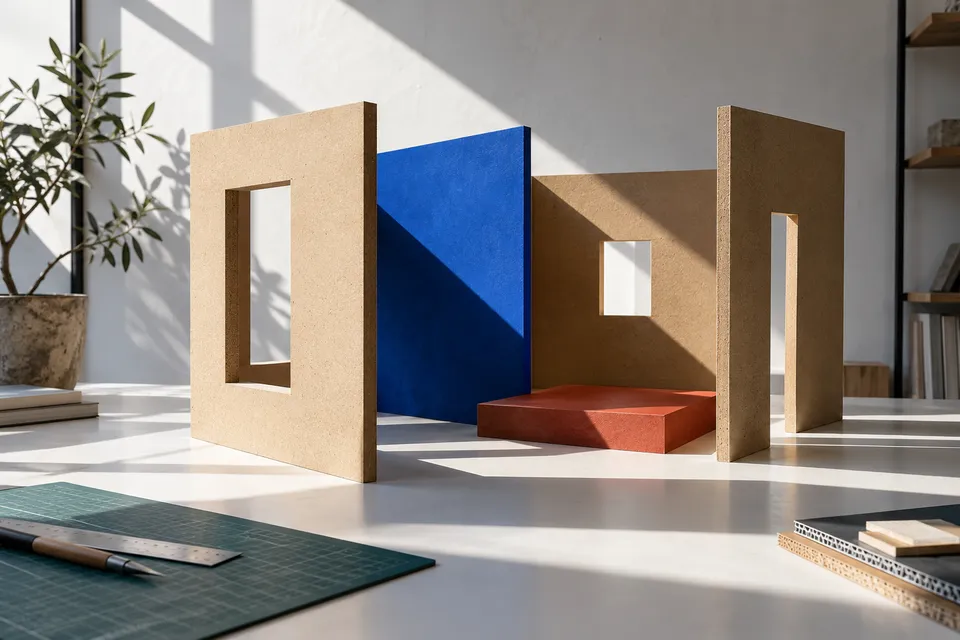
Place two openings out of alignment and inspect the moment between them.
Spatial thinking through models and scenes
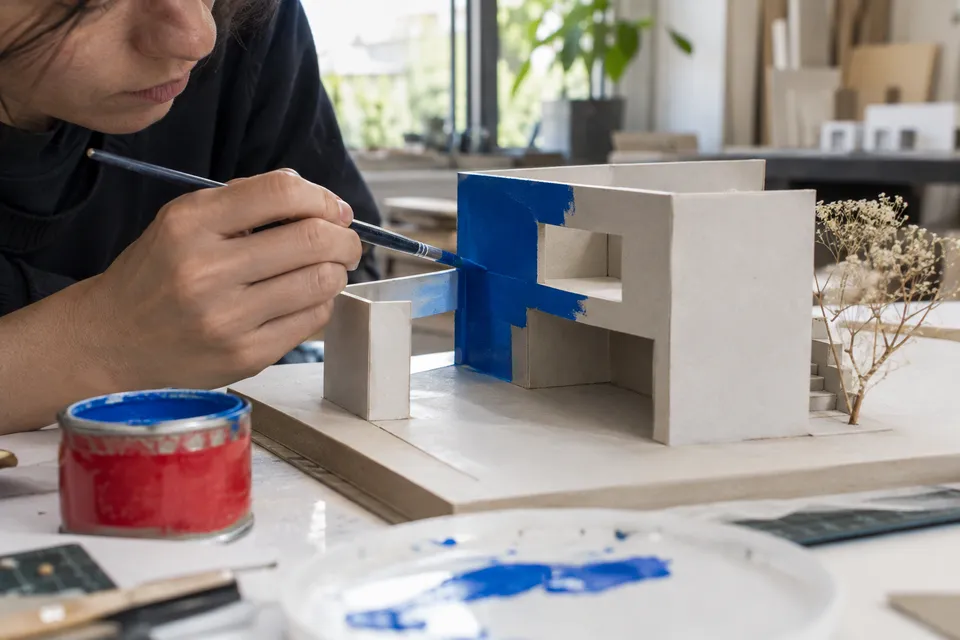
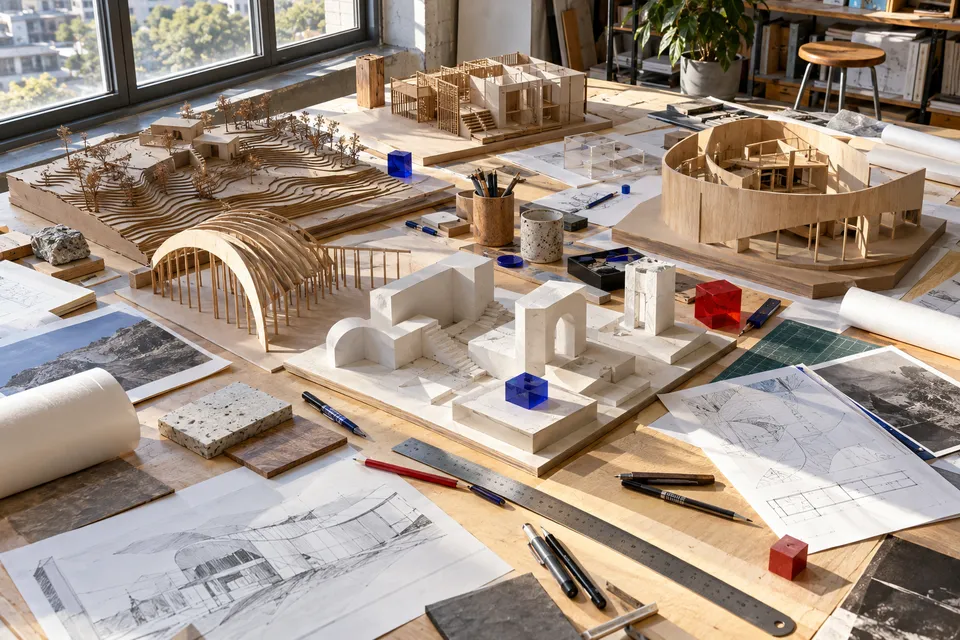
Juxemari uses small models, measured viewpoints and material contrasts to explore how an arrangement becomes a spatial experience.
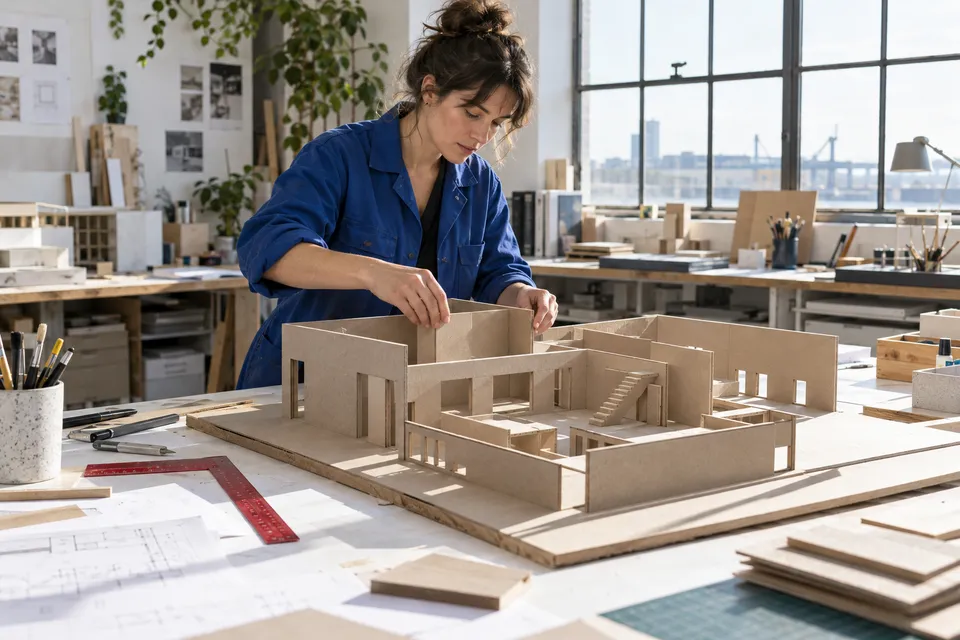
Place two openings out of alignment and inspect the moment between them.
Move a single mass until it redirects movement without blocking the entire route.
Arrange three planes at different depths and photograph the overlaps.
Identify where movement narrows, where a view opens and where a person might pause. Translate one of those observations into a simple physical relationship.
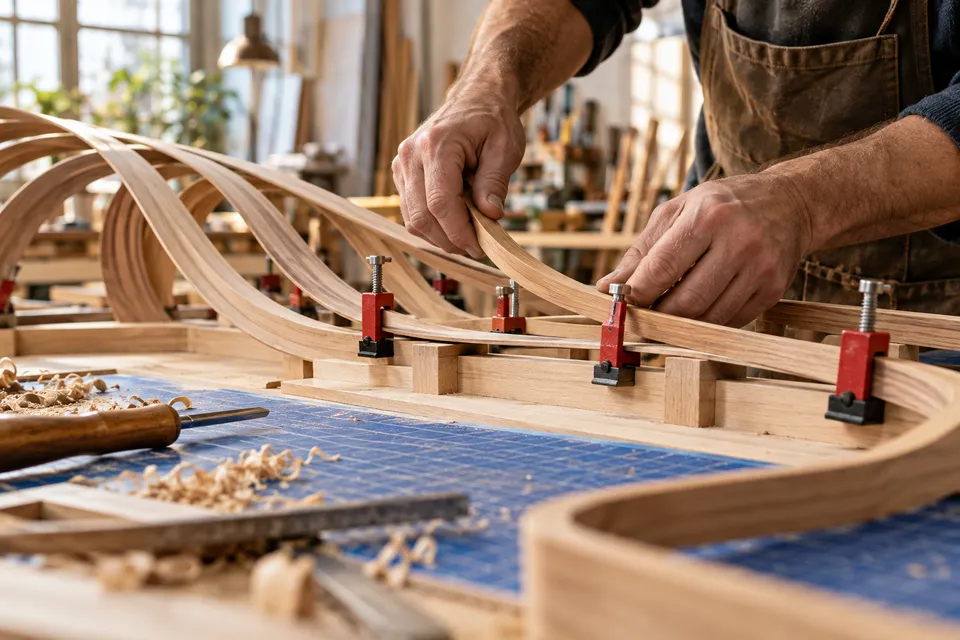
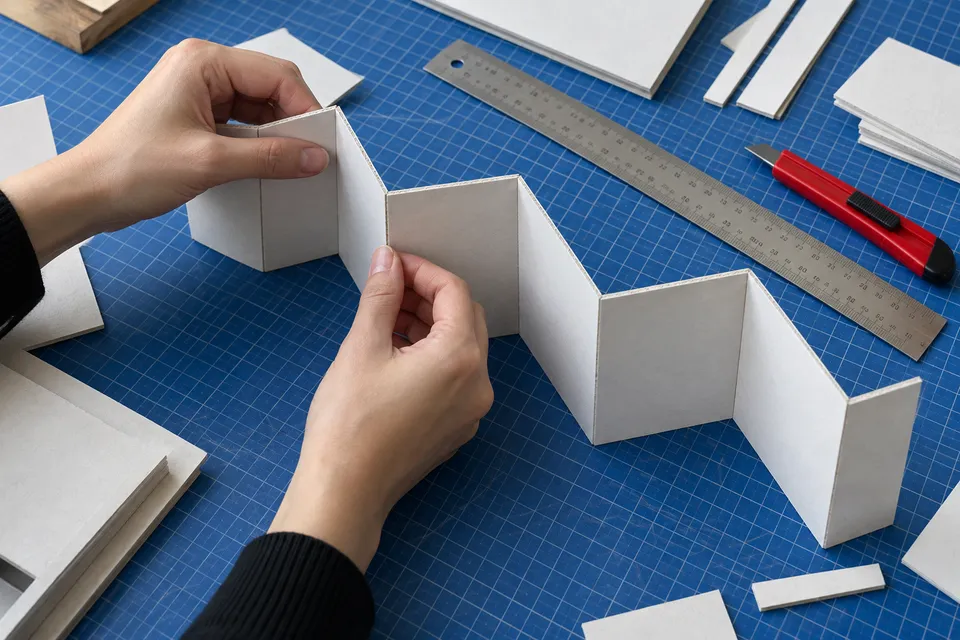
Use board and temporary joints to create three arrangements. Remove decorative detail until the difference between the alternatives is obvious.
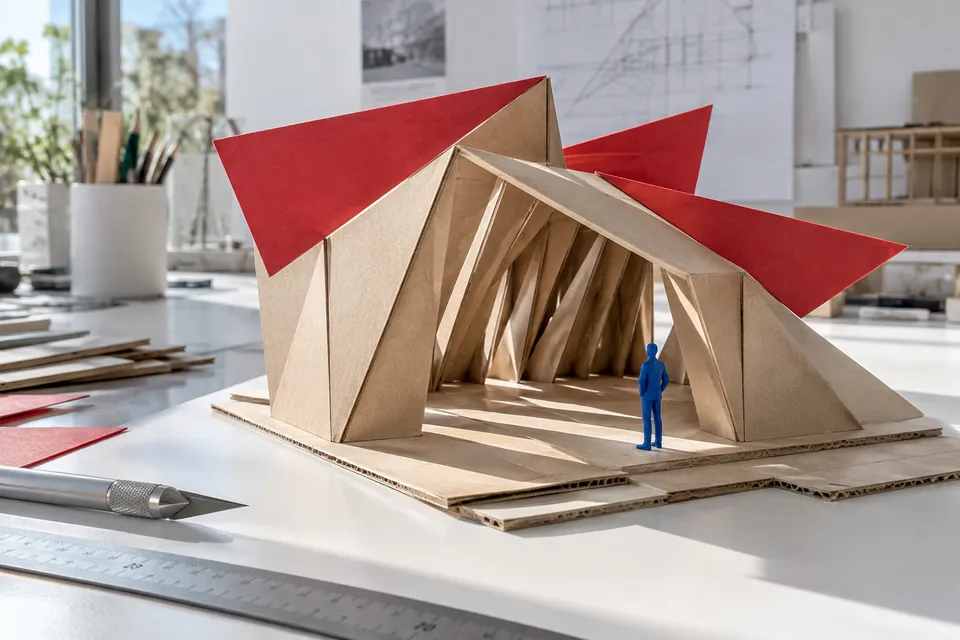
Introduce an eye-level marker and inspect the arrangement from that point. Compare what is hidden, revealed or compressed as the viewpoint moves.
02 / Material as a spatial choice
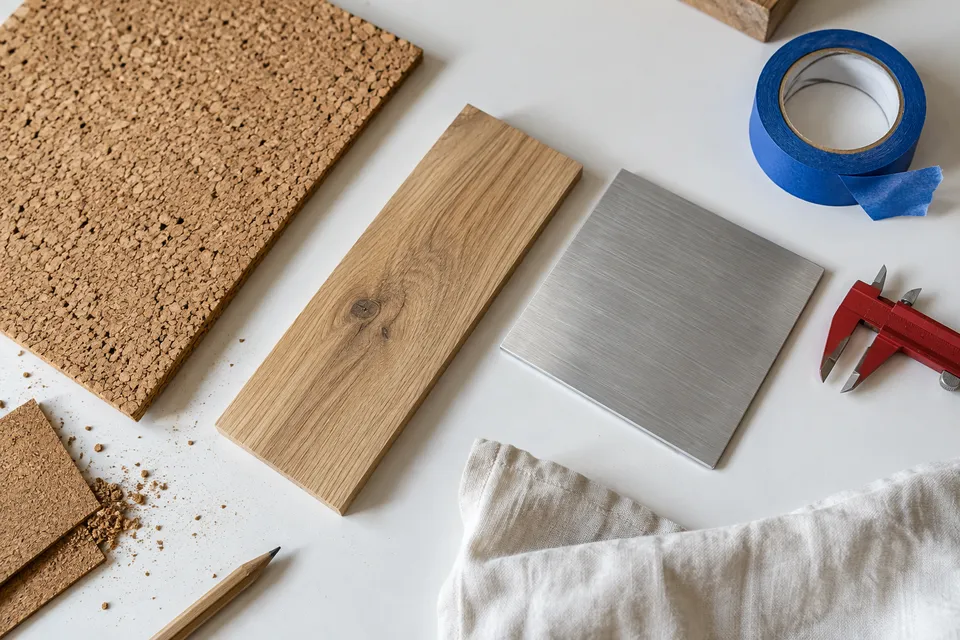
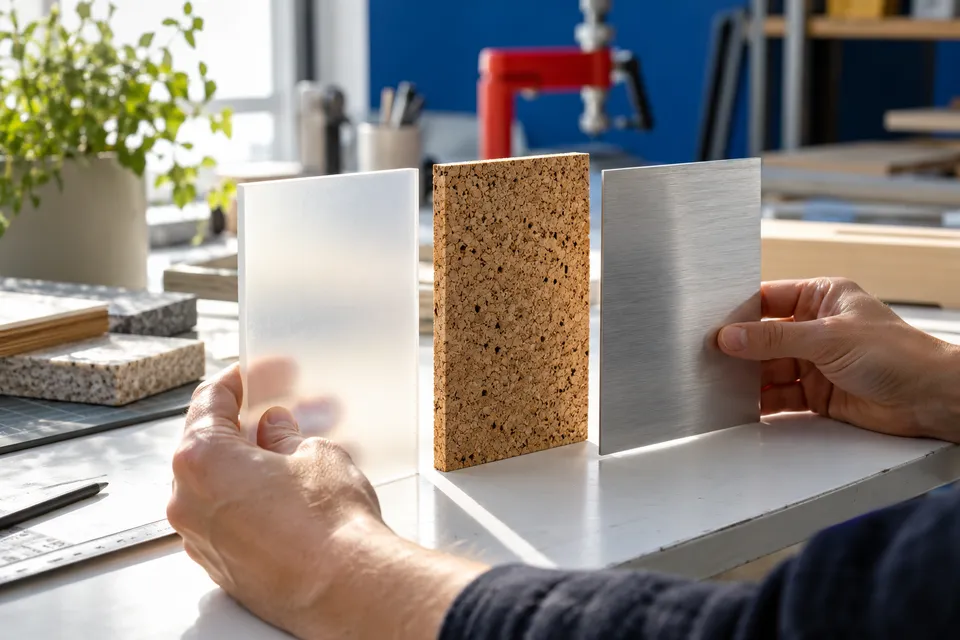
Opacity, reflection and weight alter how an arrangement is perceived. Use physical samples to test the quality you need instead of assigning materials only by colour.
03 / The model loop
Set a boundary, make alternatives, change your viewing position and record the result. Each round should leave a specific observation that informs the next.
Place two openings out of alignment and inspect the moment between them.
Move a single mass until it redirects movement without blocking the entire route.
Arrange three planes at different depths and photograph the overlaps.
Compare the same opening at two sizes while keeping the viewpoint fixed.
04 / A spatial case study
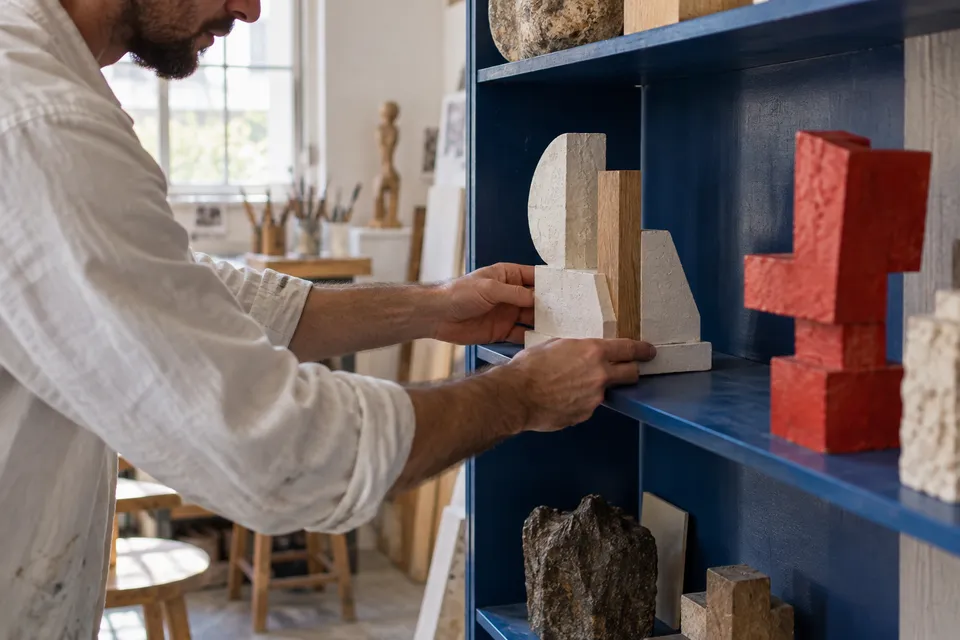
Move the model relative to an eye-level viewpoint. A small adjustment can turn an opening into an invitation, an obstruction or a glimpse of another space.
05 / Reference actions
Choose a category based on the decision you are testing. These references describe actions, allowing the model to develop its own visual language.
4 prompts available
Place two openings out of alignment and inspect the moment between them.
Move a single mass until it redirects movement without blocking the entire route.
Arrange three planes at different depths and photograph the overlaps.
Compare the same opening at two sizes while keeping the viewpoint fixed.
06 / Atelier check
Keep scale, viewing position and the current question explicit. This list remembers your marks in the current browser until you clear it.
0 / 6 complete
07 / Process evidence
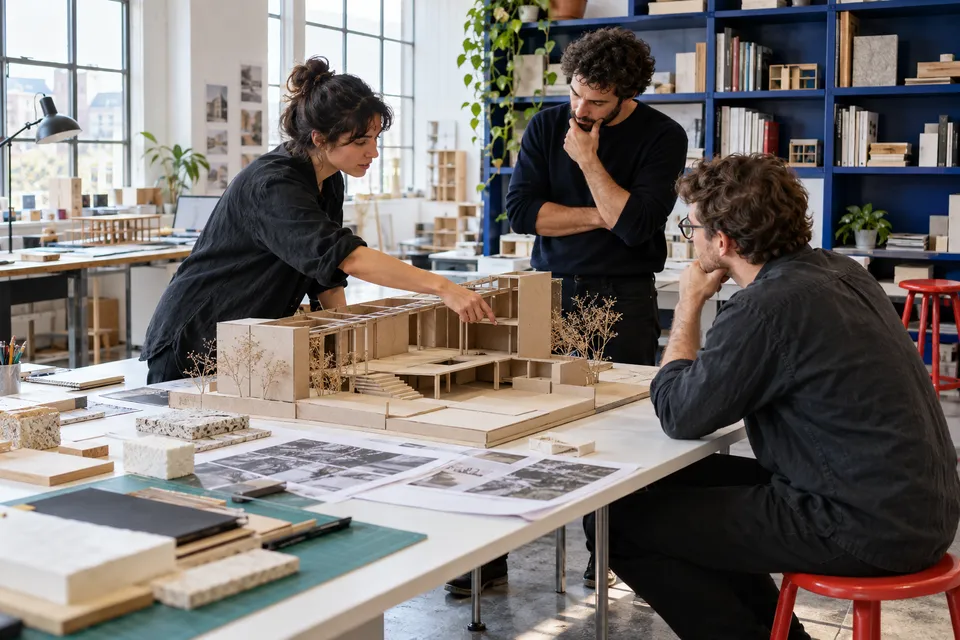
Photograph the model from useful viewpoints and keep a detail of the connection. A varied record explains the spatial idea more clearly than one flattering overhead image.
08 / Questions in progress
A prototype is valuable while it can still change. These answers help separate useful incompleteness from a missing design decision.